


How to Know When Your Laptop Needs a Repair vs. an Upgrade
Dec 13, 2025
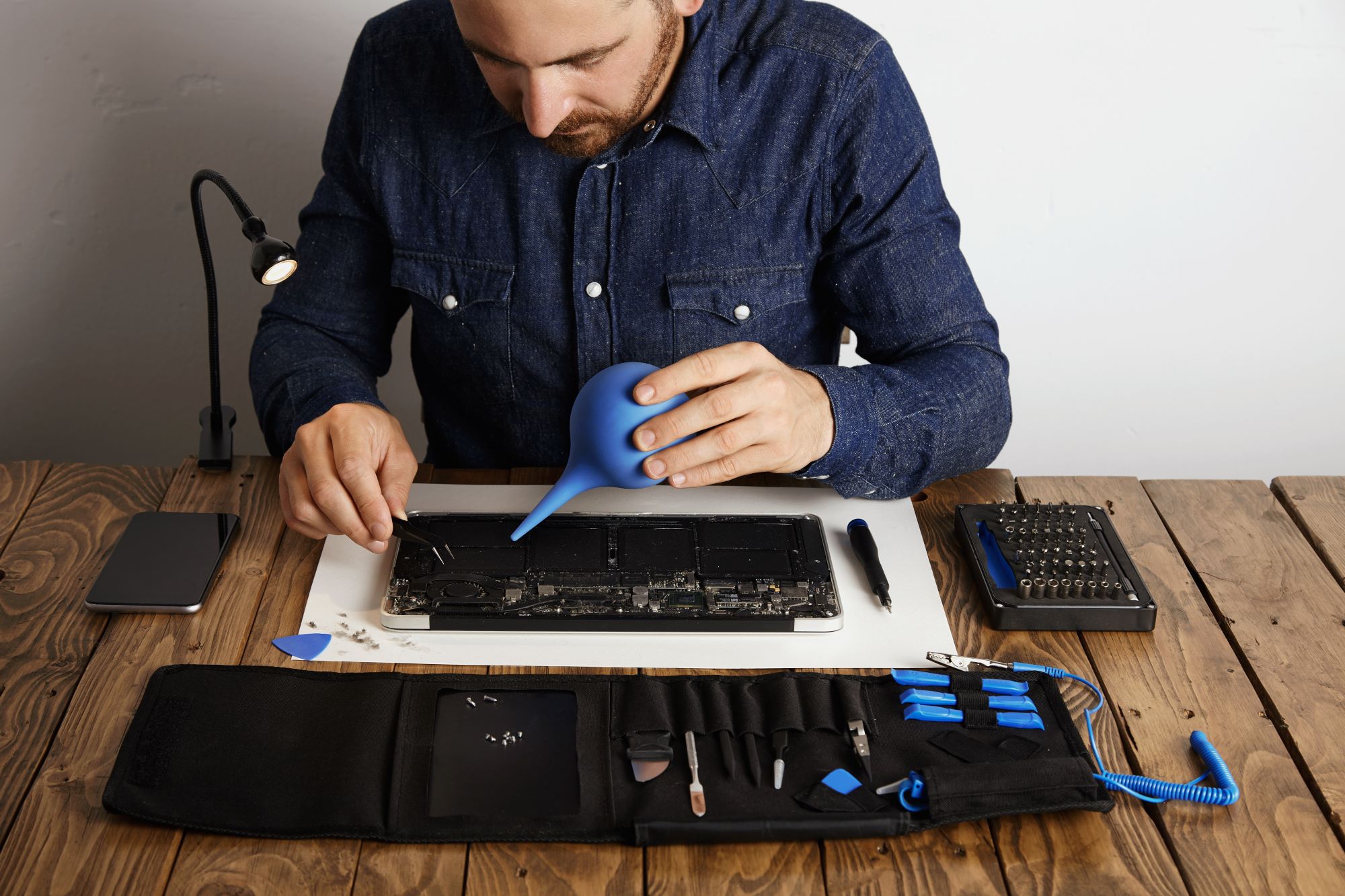
Laptops are essential for work, school, and everyday tasks. Over time, however, they can slow down, experience hardware issues, or simply become outdated. Many people struggle to decide whether their device needs a repair or a full upgrade/replacement. At TechGenius.ca, we help Canadians make the right choice by assessing performance, hardware condition, and user needs. Here’s a guide to help you determine when to repair your laptop and when it might be time to upgrade.
Signs Your Laptop Needs a Repair
Sometimes, laptops face issues that can be fixed without replacing the entire device. Repairs are often faster and more affordable than upgrading. Watch for these signs:
1. Slow Performance But Not Too Old
If your laptop takes longer to boot or open programs and occasionally freezes, it may just need a software cleanup, malware removal, or minor hardware upgrades like RAM or storage expansion. Professional repairs from TechGenius.ca can restore smooth performance without buying a new laptop.
2. Overheating or Loud Fan Noise
Excessive heat or noisy fans during normal use can indicate clogged vents or failing internal components. Repairs such as fan replacement or thermal paste application can solve these issues efficiently.
3. Damaged or Unresponsive Hardware
Cracked screens, broken keyboards, or faulty USB ports don’t always mean your laptop is finished. At TechGenius.ca, we replace damaged components with certified parts, restoring full functionality.
4. Battery Problems
If your laptop won’t hold a charge or shuts down unexpectedly, replacing the battery is usually easier and cheaper than a full device replacement.
5. Software Glitches
Frequent crashes, corrupted files, or system errors can often be fixed with professional diagnostics, updates, or OS reinstallation, restoring stability and speed.
Signs Your Laptop May Need an Upgrade
While many issues can be repaired, some laptops are better off being replaced. Consider upgrading if you notice:
1. Outdated Hardware for Your Needs
If your CPU, GPU, or RAM can’t handle modern software, gaming, or creative applications, repairing won’t solve the underlying problem.
2. Limited Storage
Frequent storage warnings and slow file transfers may indicate your hard drive or SSD is too small. Multiple repairs may be costlier than investing in a new laptop with higher capacity.
3. Frequent Hardware Failures
If the motherboard, display, or multiple components fail repeatedly, upgrading to a new laptop ensures long-term reliability.
4. Compatibility Issues
Older laptops may no longer support essential software or operating system updates, limiting performance and security.
5. Your Laptop Is Over 5–6 Years Old
Most laptops have a lifespan of about five to six years. Beyond this, upgrades may not be cost-effective, and a replacement ensures optimal performance.
Why TechGenius.ca Is Your Trusted Choice
At TechGenius.ca, we specialize in laptop diagnostics, repairs, and upgrades. Our expert technicians can:
● Quickly diagnose hardware and software issues
● Perform professional repairs using certified components
● Recommend affordable upgrades or device replacements
● Advise on whether repair or upgrade is the best option
With TechGenius.ca, you get peace of mind knowing your device is in professional hands.
Tips to Maintain Your Laptop Between Repairs
● Keep your operating system and apps updated
● Regularly clean internal fans and vents to prevent overheating
● Use antivirus software and remove unnecessary files
● Handle your laptop carefully to avoid drops or spills
● Backup important files to cloud storage or external drives
These steps can extend your laptop’s lifespan and reduce repair frequency.
Conclusion
Deciding whether to repair or upgrade your laptop depends on its age, performance, and hardware condition. Minor issues like slow performance, battery problems, or a damaged screen are usually repairable. Repeated failures, outdated hardware, or compatibility issues may signal that it’s time to upgrade. At TechGenius.ca, we provide reliable diagnostics, professional repairs, and guidance to help you make the right choice — saving money and ensuring your laptop meets your needs for years to come.